simplephp Cross Site Scripting (XSS) Vulnerability
Overview
- CVE ID: CVE-2026-38931
- Vendor: creatorsofcode
- Product: simplephp
- Version: GitHub commit 5184cff (Latest as of 2026-02-27)
- Vulnerability Type: Cross Site Scripting (XSS)
- Affected Component: /admin/config-module.php
Description
simplephp's latest version (Development version at commit 5184cff) contain an Cross Site Scripting (XSS) vulnerability in the /admin/config-module.php component.
This vulnerability is caused by the lack of proper Cross Site Scripting (XSS) defenses in certain components. An attacker can construct a stored Cross Site Scripting (XSS) vulnerability by persistently storing malicious scripts on the server. When other users visit the affected pages, the malicious scripts execute automatically in their browsers.
This vulnerability may allow attackers to steal user cookies and sensitive information, or even hijack administrator accounts, posing a severe threat to application security and user privacy.
PoC
-
Log in to the administrator backend.
-
In the "Modules" section, add and activate the "Analytics Tracker" component.
-
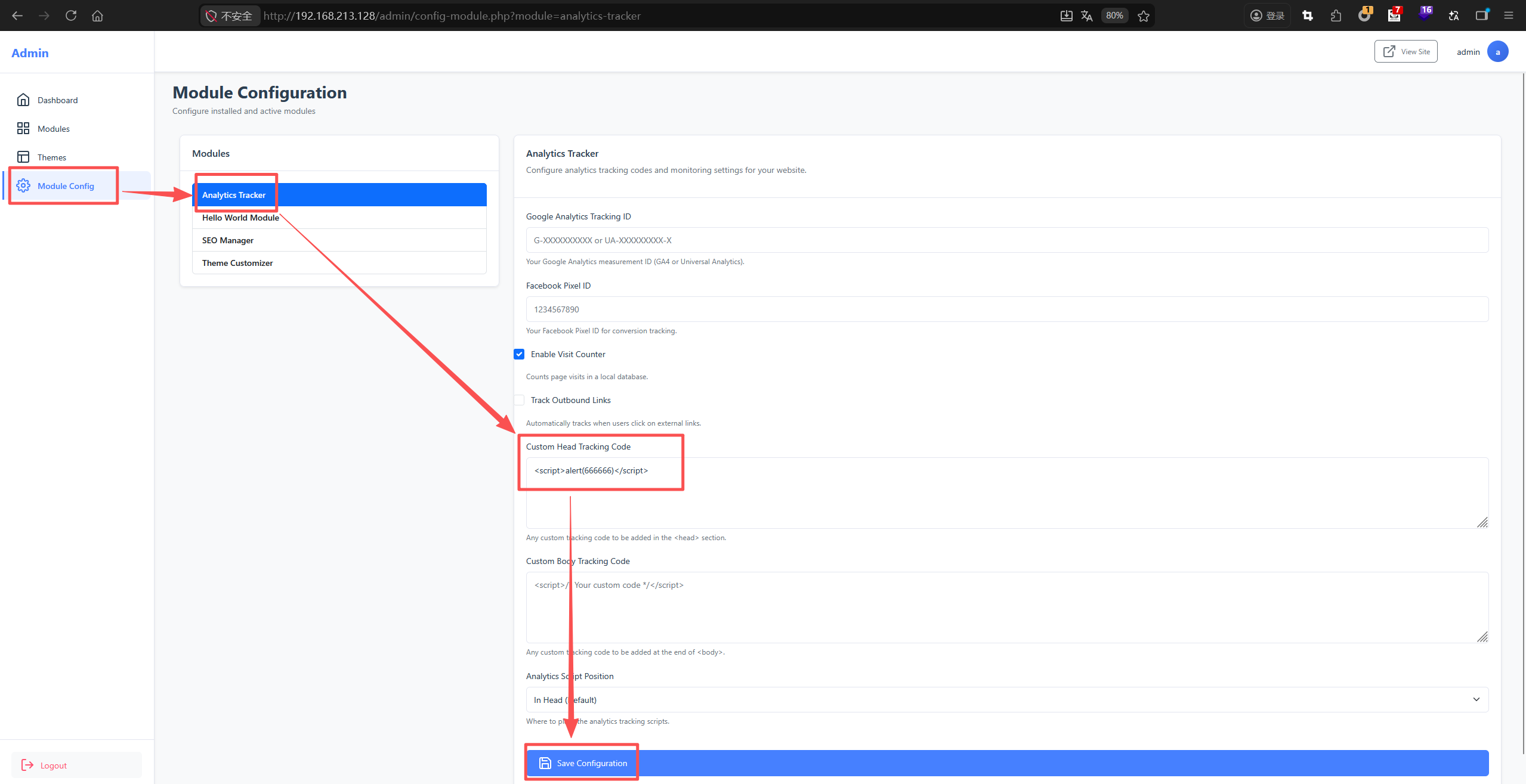
Then, navigate to the "Module Config" section and paste the following XSS payload into the "Custom Head Tracking Code" field and click "Save":
<script>alert(666666)</script> -
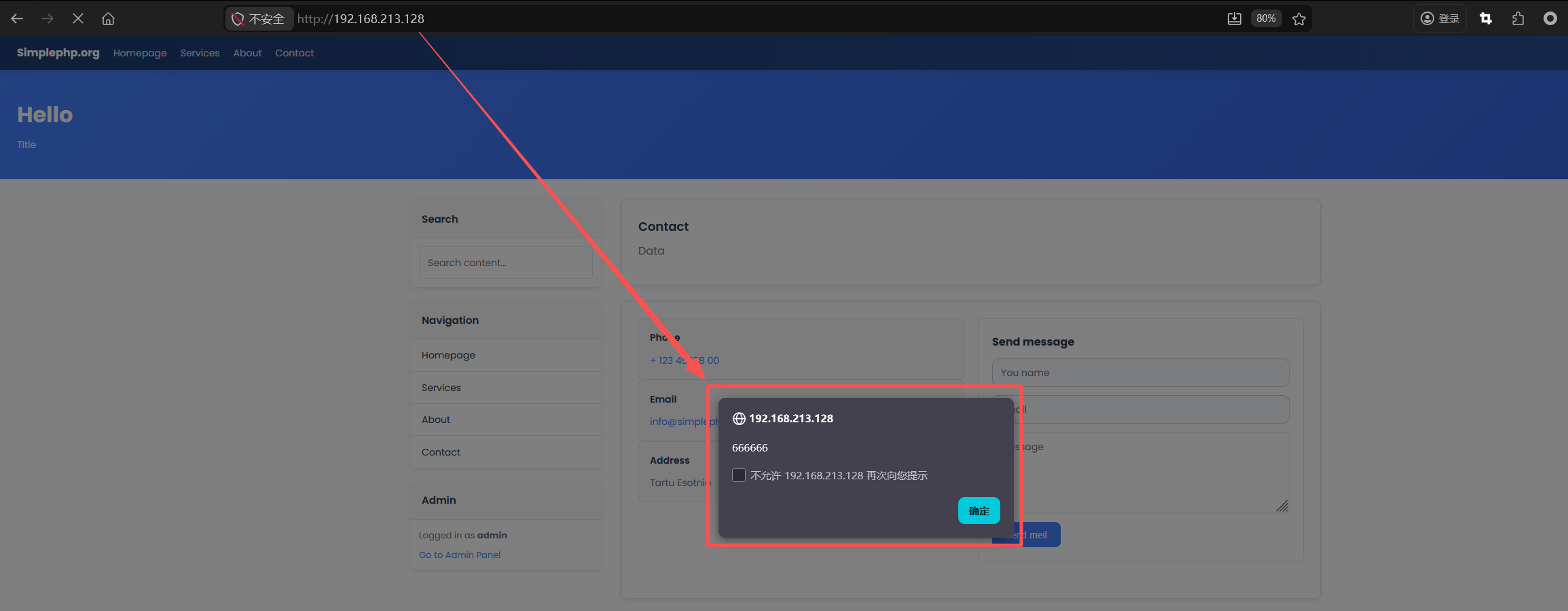
Finally, visit the website homepage. The XSS vulnerability will be triggered, and an alert box displaying "666666" will pop up.
Details
First, I set up the relevant website locally for testing.
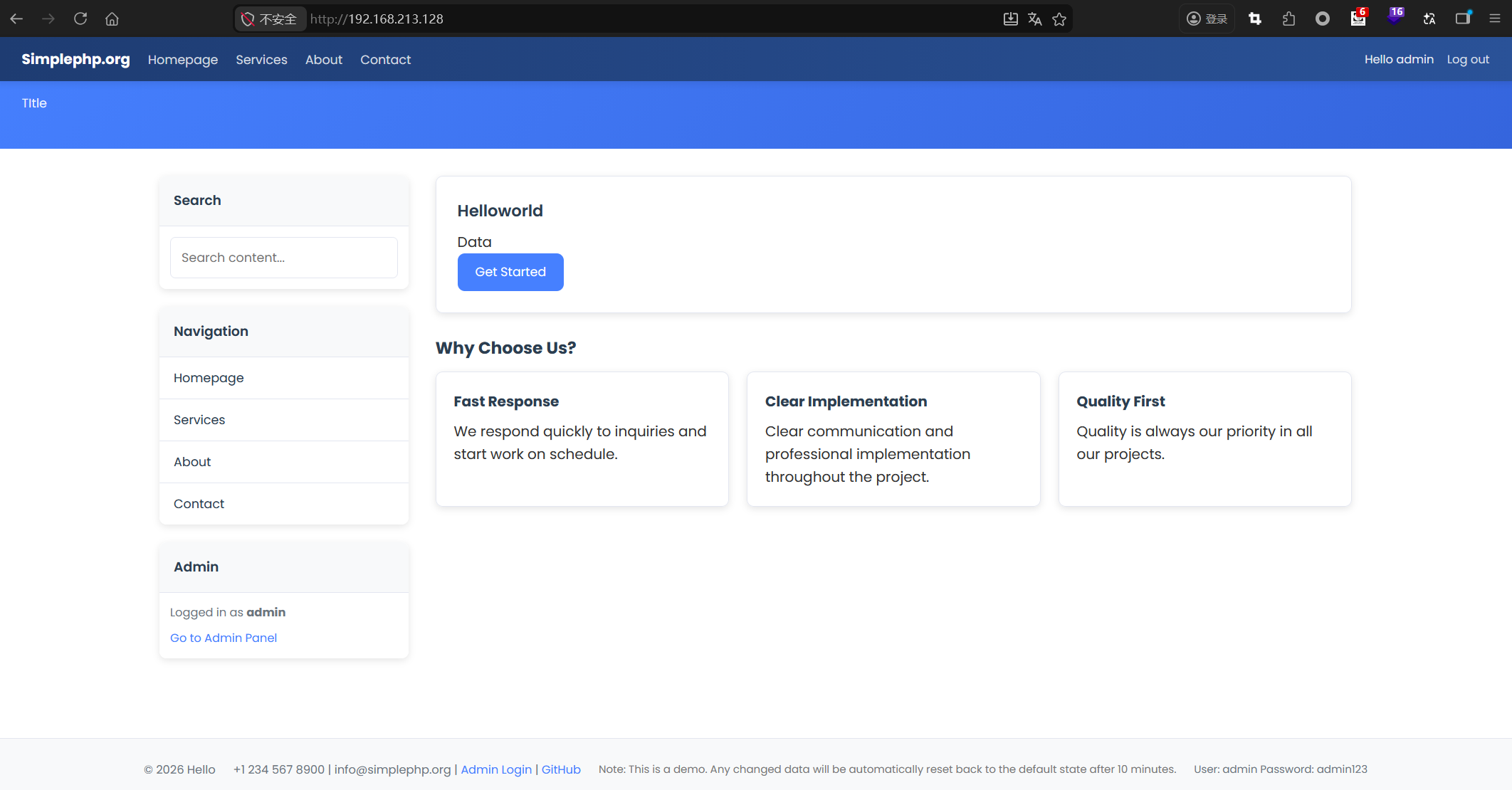
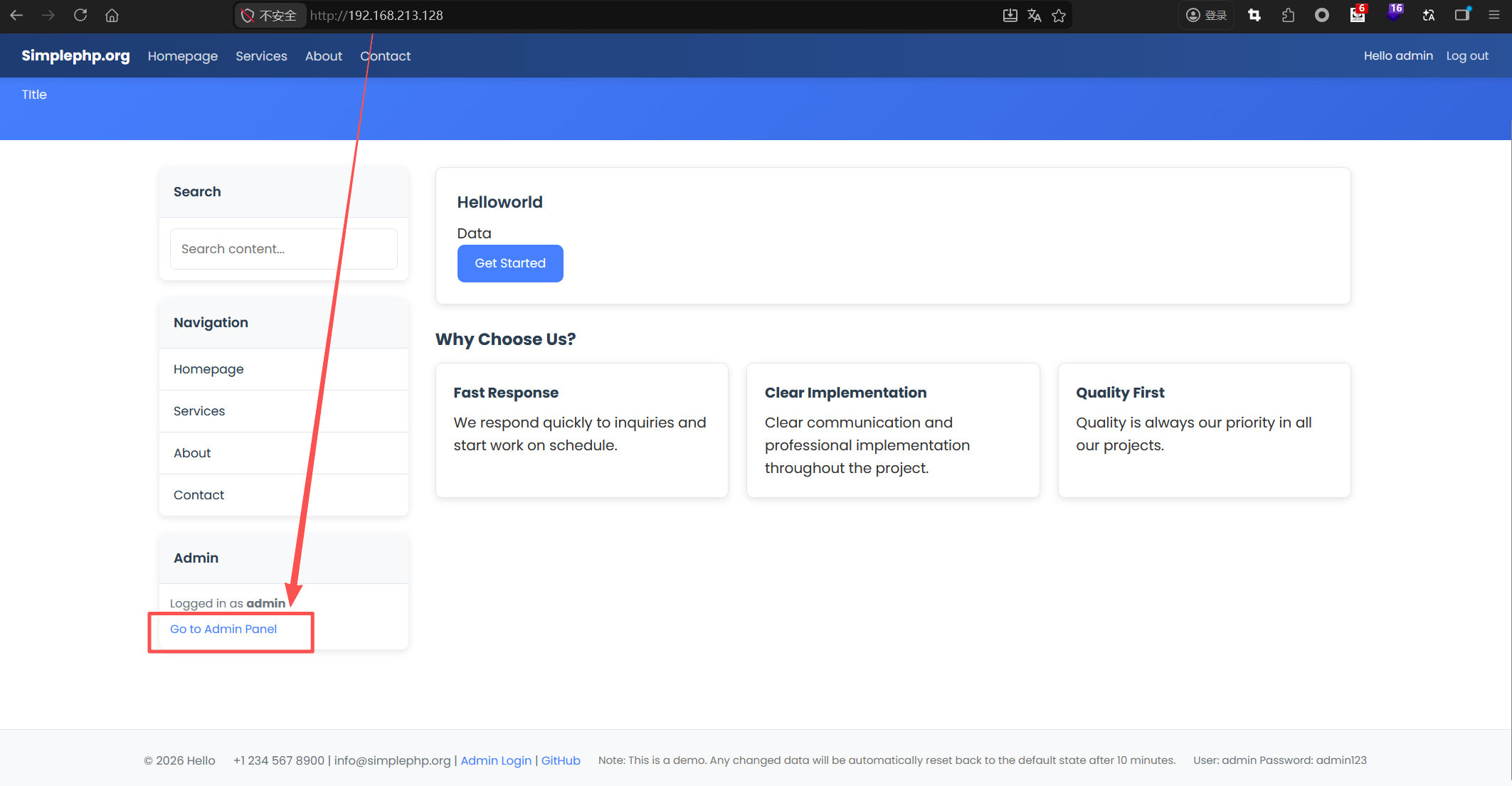
Then, click "Go to Admin Panel".
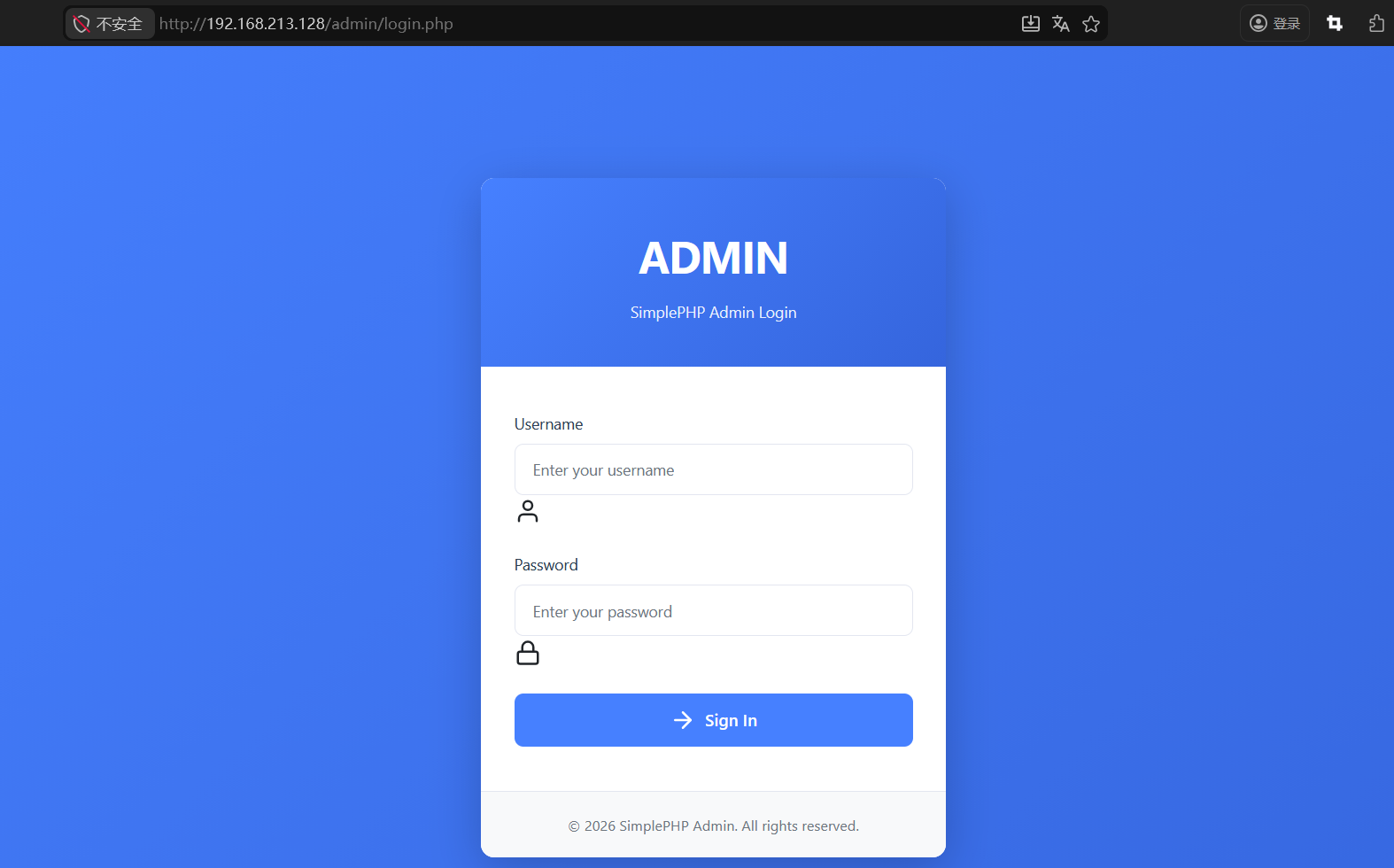
Next, I entered the administrator's username and password (default: admin/admin123 ) to log into the backend.
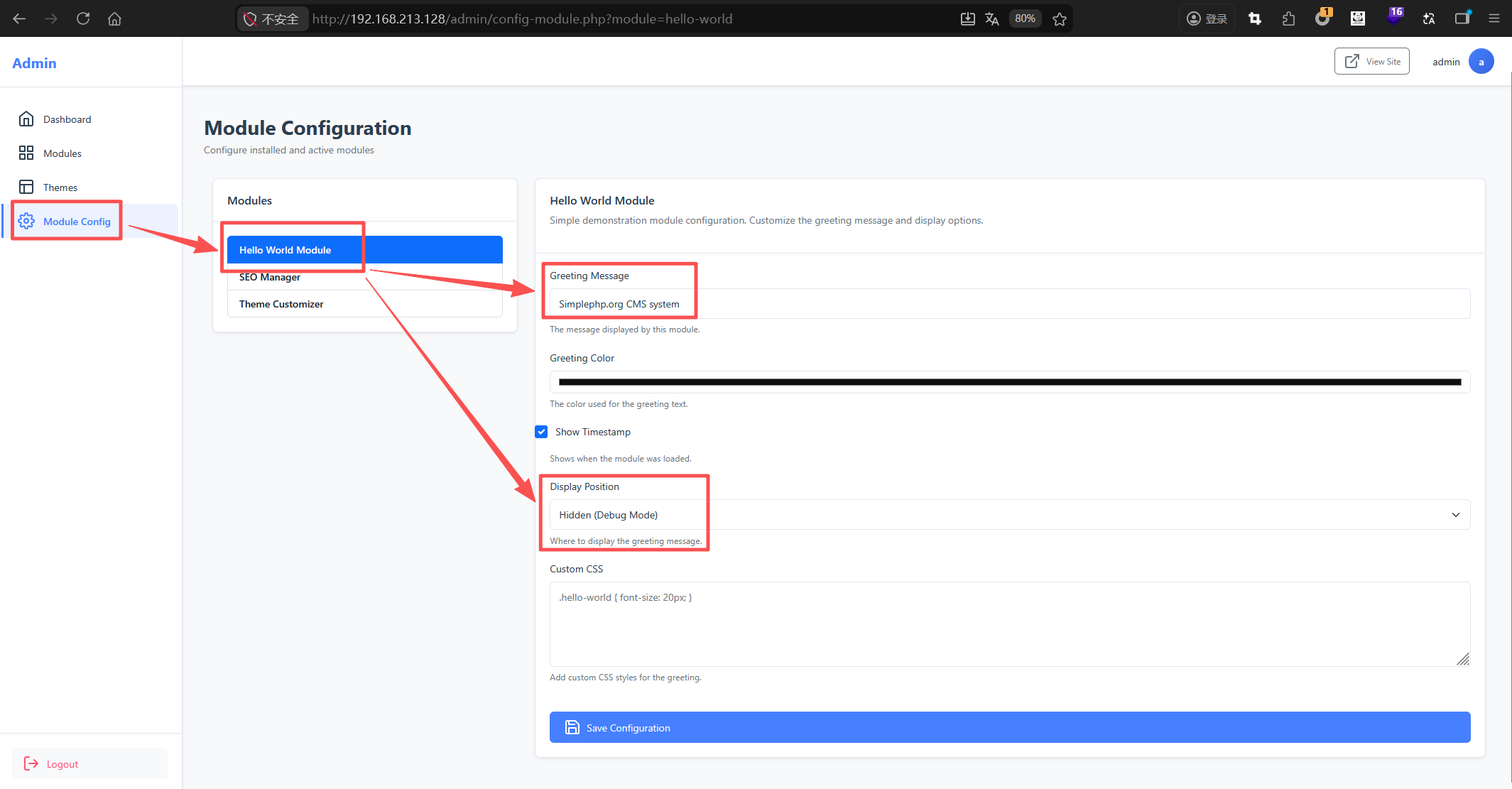
Then, I attempted to inject XSS payloads into various input fields under Module Config, but they were ineffective. This indicates that the website has some XSS defense mechanisms in place, which also makes the subsequent exploitation more valuable.
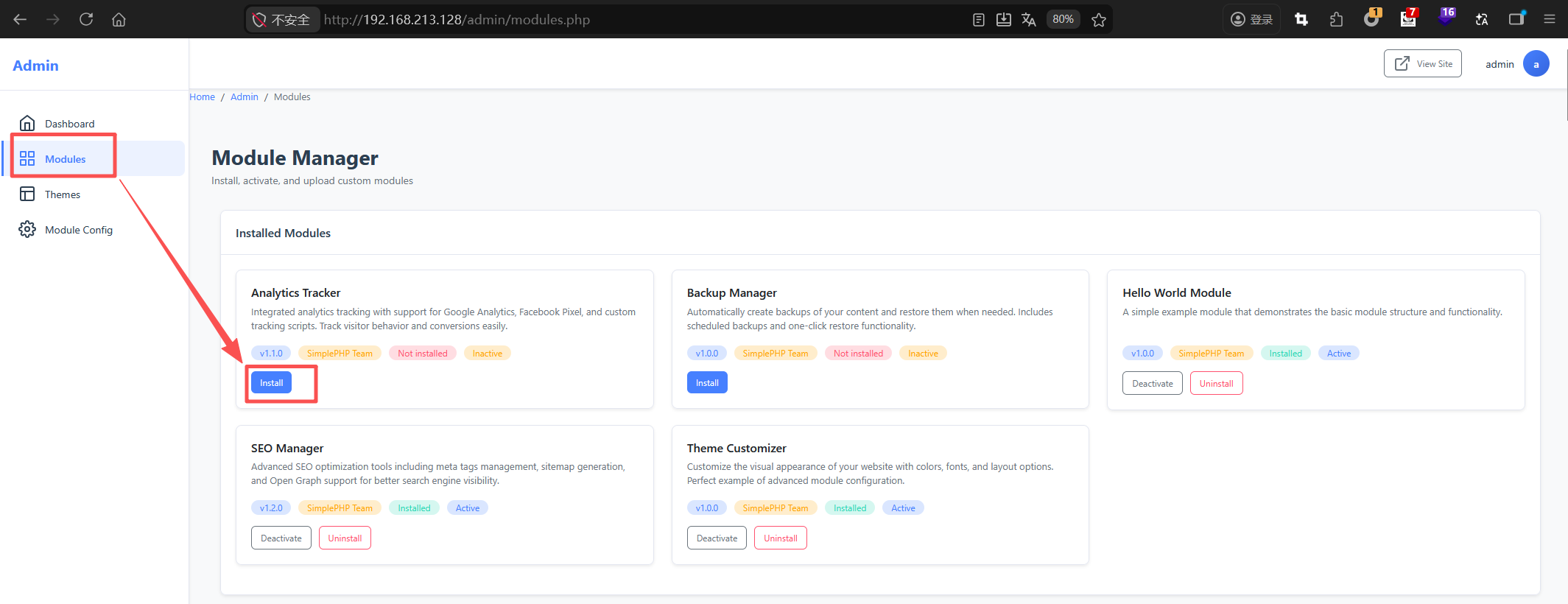
Under Modules, we can install some modules that are not installed by default, such as Analytics Tracker.
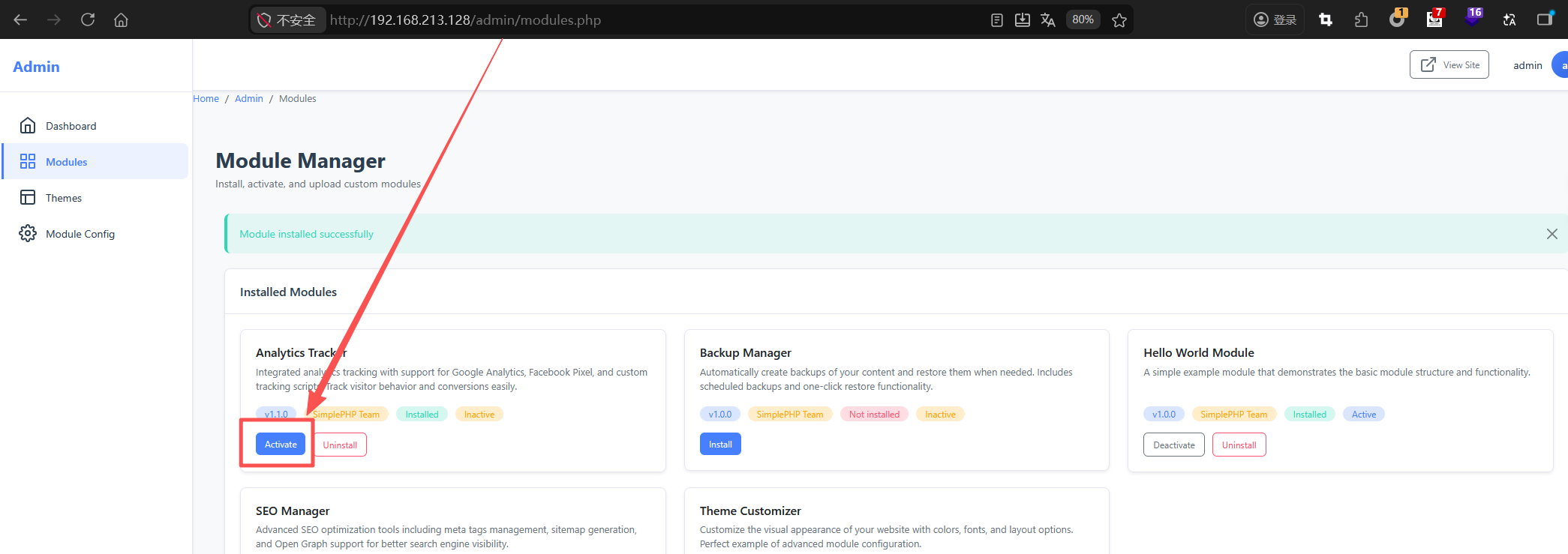
Don’t forget to click "Activate".
Then, we return to Module Config, where we can see the new module "Analytics Tracker" has appeared. We enter an XSS payload such as <script>alert(666666)</script> into the "Custom Head Tracking Code" field and click Save.
After the page displays "Configuration saved successfully", we visit the website homepage and find that the XSS alert box appears, confirming the existence of a stored XSS vulnerability.